Illustration — not a real laundry shop or machine model.
Everyday Japan · Laundry
What do you need to do?
Check your clothes’ care labels, then choose the guide for your machine. Confirm its course, detergent and payment instructions before paying.
Information checked October 27, 2026 · Based on published operator instructions and manufacturer specifications.
01
Match the machine to the job
Three jobs. Check the course.
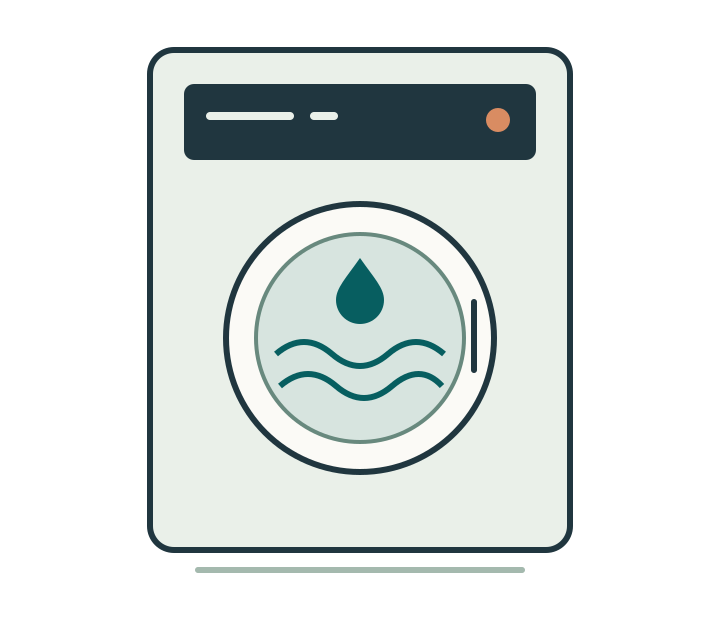
Washer
洗濯機
Washes clothes. Plan drying separately.
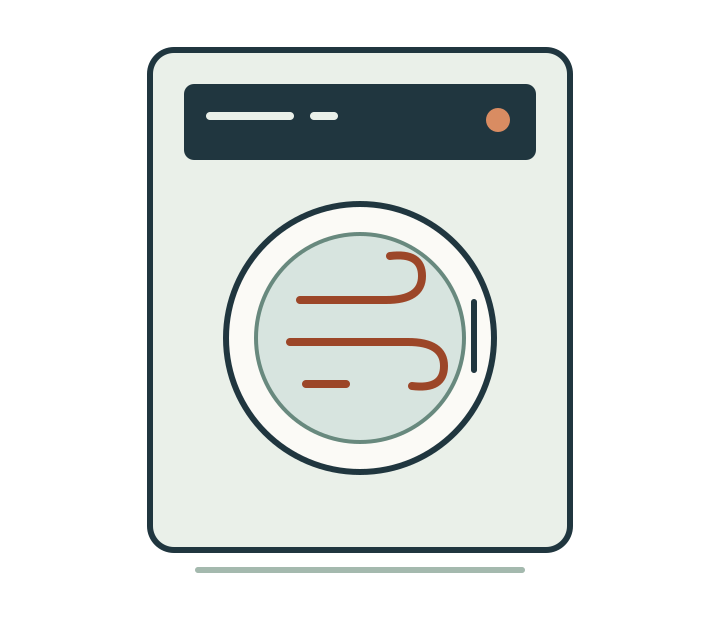
Dryer
乾燥機
Dries washed, spun clothes.
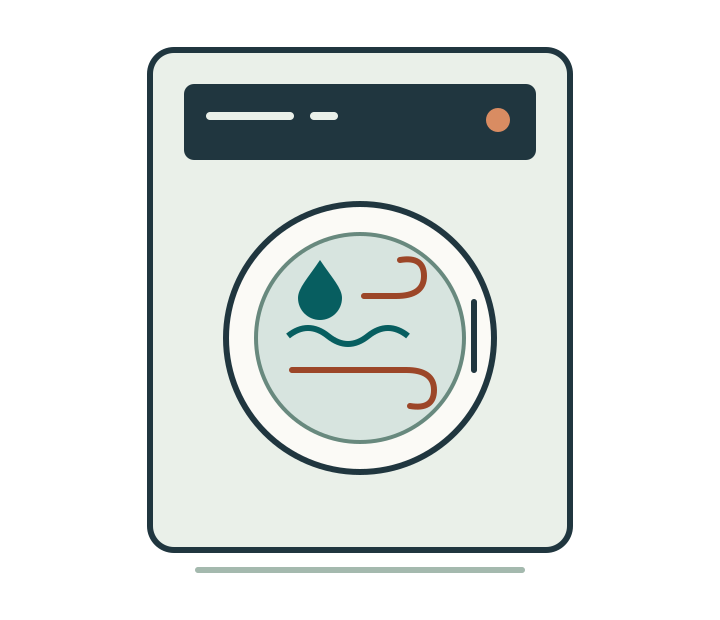
Washer-dryer
洗濯乾燥機
Can combine tasks. Confirm available courses.
Schematic illustrations, not actual models. Appearance alone does not establish the machine type or available courses.
Wash only
洗濯機 — washer, or a washer-dryer offering a wash-only course
洗濯 / 洗濯のみ — washing / wash only
Dry only
乾燥機 — dryer, or a suitable drying course on a washer-dryer
乾燥 / 乾燥のみ — drying / dry only
Wash & dry
洗濯乾燥機 — washer-dryer
洗濯乾燥 — wash and dry
Read your clothes’ care labels first. Permission to machine wash does not automatically mean permission to tumble dry. Keep items that cannot be tumble dried out of a wash-and-dry load. If a label requires a particular drying setting, confirm that the equipment can provide it before paying. The Consumer Affairs Agency’s care-label guide explains washing and tumble drying as separate treatments.
Check the limit for your course
The TOSEI SF-155C, for example, lists 15 kg for washing and 11 kg for drying. Those are that model’s specifications, not limits for every machine. Read the selected course’s capacity and any loading line before adding clothes.
02
Check detergent before adding anything
Look for 洗剤自動投入: detergent is dispensed automatically. Check the softener instructions too; 柔軟剤 means fabric softener. Do not add your own products by habit.
WASHHOUSE’s washer instructions state that detergent and softener are added automatically. A sign saying 洗剤不要 means you do not need to supply detergent, but it does not explain the mechanism by itself: wash+ describes a system that washes without detergent.
If the instructions require you to add detergent, check the product, amount and insertion point they specify. If the instructions are unclear, use the posted support contact before starting. Need to buy supplies? Our convenience-store guide explains how to shop and pay. Check local stock before relying on a particular store for detergent.
03
Find the payment point
“Coin laundry” does not mean every machine takes only coins. Look at the signs on the machine and around the shop: payment may be at the machine, at a shared kiosk, or through a supported app. Follow the shop’s route and its current payment screen.
Where does this shop tell you to pay?
Check the signs before choosing a payment method.
Available methods vary. These are possible payment routes, not features of every shop.
The TOSEI TSC-100 payment kiosk can support several payment types, including cards and electronic money. Some functions depend on options and payment-provider contracts. The product’s capabilities do not establish what is enabled in a particular shop or whether your foreign-issued card will work.
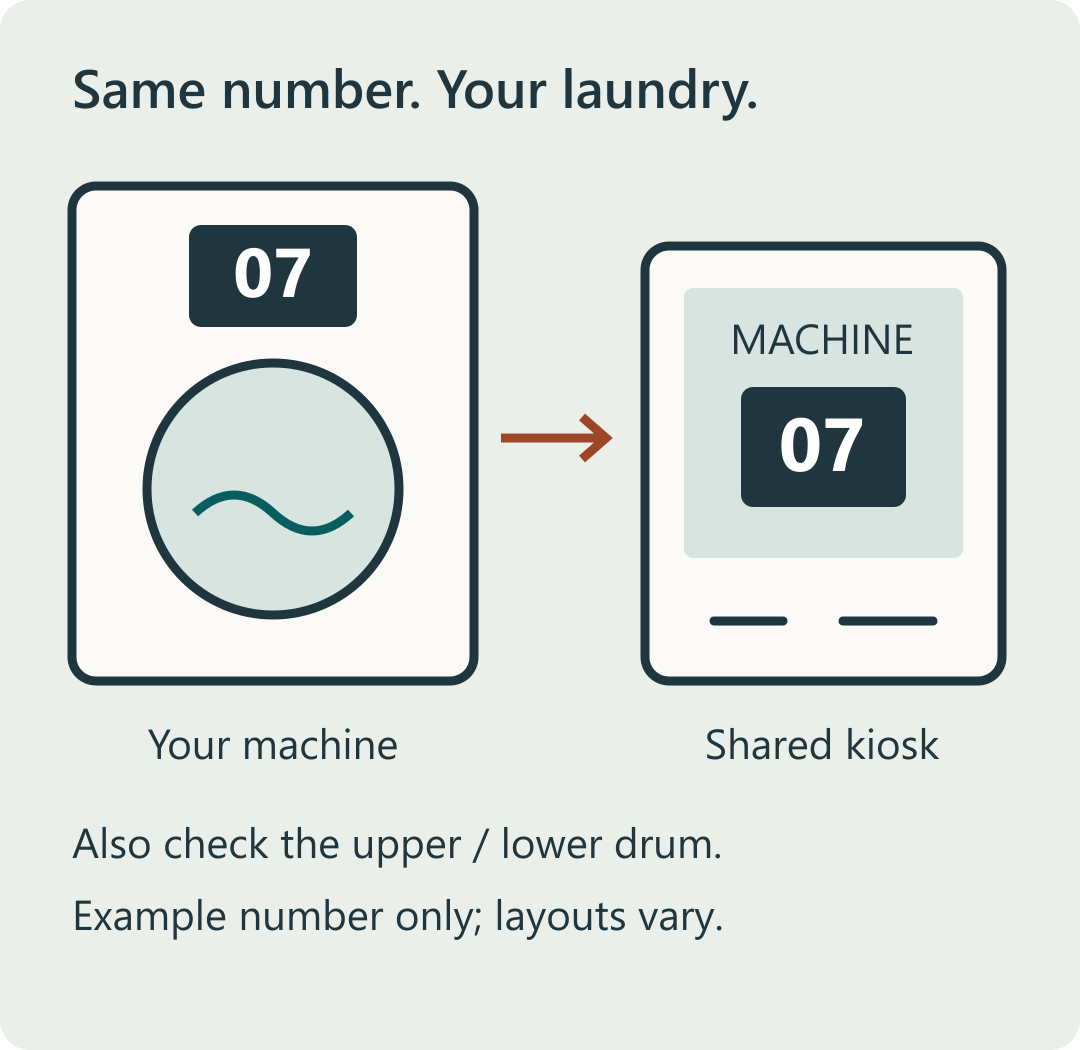
Pay for the machine you loaded.
At a shared kiosk, match the number to your machine. For stacked dryers, check the correct drum too.
Illustrative example, not a real payment screen. Follow the shop’s instructions and use its lamp check if offered.
At a shared kiosk: match the number first
Fuk-kura’s official guide shows a kiosk sequence after loading the laundry: select the machine number, check the flashing lamp on the selected machine, choose a course, then choose a payment method. Use the lamp check when that system offers it; other equipment may work differently.
Before confirming, match the number to the machine holding your clothes. For stacked dryers, also match the upper or lower drum. Read the displayed total. A change machine is marked 両替機; check its accepted notes and coins. Do not assume that a machine returns change: Fuk-kura specifically warns that direct coin payments at the machine do not.
04
Follow the instructions for your machine
These are separate operator examples. Use one only when it matches the equipment and instructions in front of you. If the controls differ, follow the posted guide rather than forcing the example to fit.
Washer only
Example: WASHHOUSE’s published drum-type washer instructions. Check the empty drum, load your clothes, close and secure the door, then insert the displayed amount slowly. In this example, reaching that amount starts the wash automatically. Drying is a separate task afterward. Official washer guide.
A top loader can have a different order. WASHHOUSE describes a drum-cleaning sequence for its top-loading machines after payment and before loading. Its drum-type cleaning sequence is before payment. Drum cleaning is for an empty drum; it is not the course that washes your clothes. Check the machine’s instructions before paying or using a cleaning button. Official FAQ.
Dryer only
Example: WASHHOUSE’s published dryer instructions. Check the drum, load the laundry and close the door. Follow the coin instructions and press the upper/lower button if the machine has one. Some models have separate coin slots for the two drums.
For another drying run, check both payment and the start control. WASHHOUSE’s coin-payment guide calls for pressing the relevant drum’s start button again. The amount paid buys the displayed running time; it does not promise that every load will be fully dry. Official dryer guide.
Washer-dryer
Button-operated example: WASHHOUSE’s washer-dryer guide. Load the clothes, select the wash-and-dry, wash-only or dry-only course you need, then lower the door lever to lock it. Slowly insert the displayed coin amount; in this example, that starts the machine automatically. Official washer-dryer guide.
A different control layout: Senraku’s dial-operated guide. If using its optional drum-cleaning function, do that before loading. Load the clothes, secure the door and select the course with the dial. Its English guide lists standard wash-and-dry, small-load wash-and-dry and wash-only options. Insert the displayed amount in ¥100 coins; this example starts automatically. Watch the remaining-time display. Official English guide.
A drying-only course is not listed in that Senraku guide. If you need dry-only on a washer-dryer, confirm that your particular machine offers it; the machine name alone does not establish its courses.
05
Read the Japanese display in context
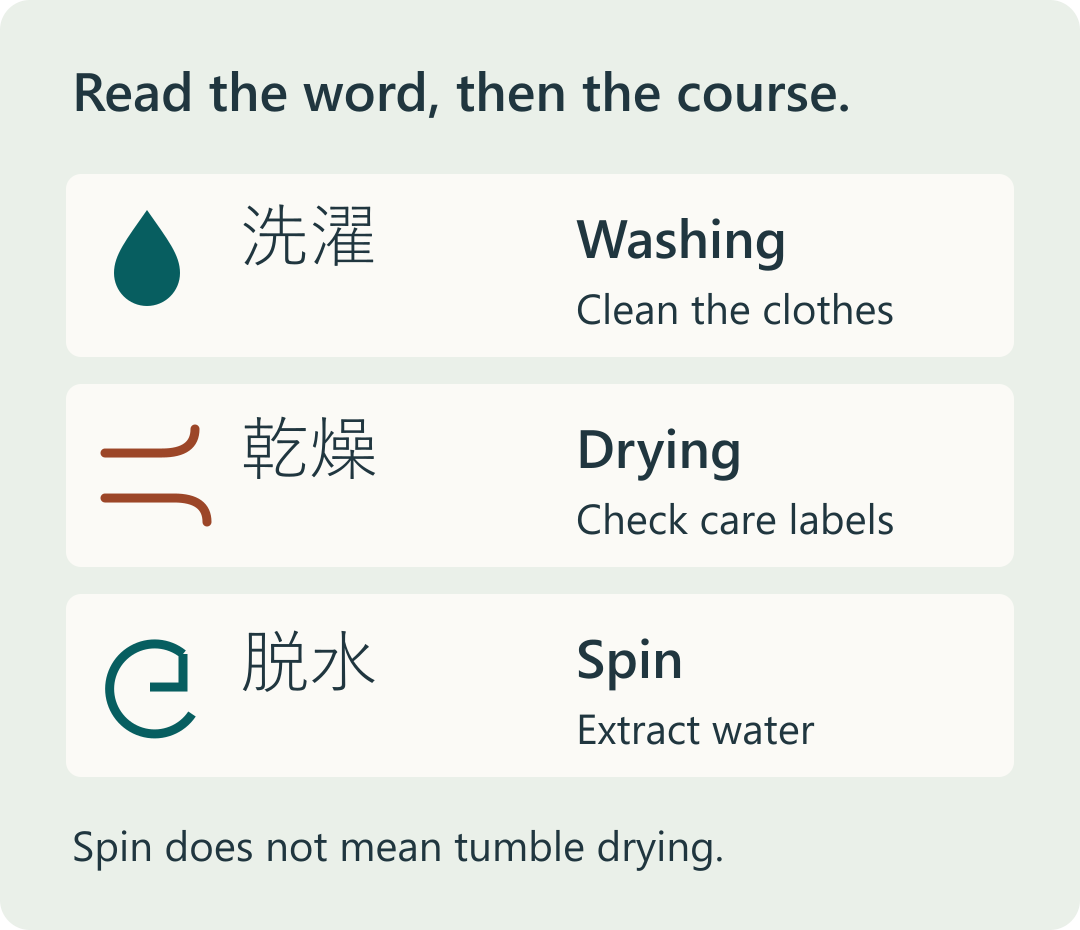
A vocabulary guide, not a control panel. Check the actual machine’s course description and your clothes’ care labels.
| Japanese | Meaning | What it helps you check |
|---|---|---|
| 洗濯 / 乾燥 | Washing / drying | Whether the chosen course does one or both |
| 標準 / 少量 | Standard / small load | The capacity and price for that course |
| 洗剤 / 柔軟剤 | Detergent / fabric softener | Whether products are supplied or need an instruction check |
| 自動投入 | Automatic dispensing | Whether the machine adds the named product |
| ドラム洗浄 | Drum cleaning | An empty-drum function, not a clothes-washing course |
| 機械番号 / 機器番号 | Machine number | The machine selected at the payment point |
| 上 / 下 | Upper / lower | The drum you loaded in a stacked dryer |
| 残り時間 | Time remaining | When to return to this machine |
| 脱水 | Spin | Water extraction, not tumble drying |
| 両替機 | Change machine | Where to check exchange options |
| 円 / 分 / kg | Yen / minutes / kilograms | Price, running time and load limit |
For unfamiliar text, our Japan travel-app guide covers translation tools. If a translation leaves the course or payment unclear, ask for help before confirming.
06
Before packing your clothes
Note the machine number and the remaining time. Use that to plan when to return, then collect your laundry promptly. Confirm that the selected cycle has ended before taking it out. A wash-only result still needs a drying plan.
Check whether the clothes are dry enough to pack. If more drying is needed and the garments allow it, read the extension or new-run instructions for that machine and payment method. Leave time for another run rather than assuming the first displayed duration will be enough.
07
If you selected the wrong machine or course
Use the shop’s posted support contact. Have the shop name, machine number, payment amount and displayed message ready. Do not repeatedly pay or force a locked door while trying to solve it.
WASHHOUSE’s FAQ directs customers who chose the wrong washer or course to its call centre for remote assistance. That does not establish a universal refund policy. If you cannot make the call, ask your accommodation staff for help contacting the operator.
08
Find a laundry near your stay
Start by checking whether your accommodation has guest laundry, what equipment it offers and when you can use it. Otherwise, search a map for コインランドリー or “coin laundry,” then confirm the shop’s own information and entrance signs. Check that you can finish before closing or your next journey.
Still choosing a Tokyo base? Our Tokyo stay guide compares areas and hotels. When you shortlist a property, confirm its laundry facilities and access hours directly with the hotel.
09
Sources and checks
Operator and manufacturer pages checked on October 27, 2026. The examples apply to the equipment each source describes; local controls, enabled payment methods, courses and prices can differ. Follow the current instructions at your machine.