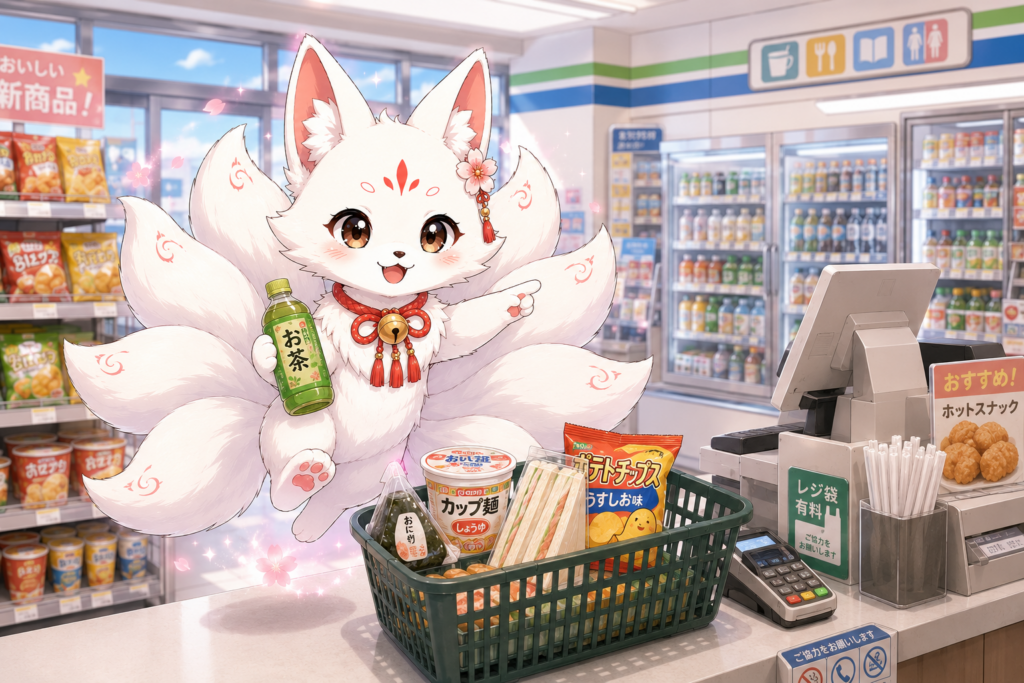
Japanese convenience stores are useful for much more than snacks. Depending on the location, you may also find an ATM, a multi-copy machine, ticket services, parcel counters, bill payment, and a toilet. The basic shopping process is simple, but payment restrictions and available services can differ by chain, store, terminal, and transaction.
This guide explains what to expect at 7-Eleven, FamilyMart, Lawson, and similar stores. It focuses on safe, practical steps for first-time visitors and new residents without assuming that every service is available everywhere.
The Basic Shopping Process
- Choose your items and take them to the staffed register or an available self-checkout.
- Tell the cashier if you need a shopping bag, would like your food heated, or need utensils.
- Check the amount on the register or payment screen.
- Select a supported payment method and follow the terminal instructions.
- Take your items, receipt, card, and change before leaving.
Some registers require you to choose the payment method on a screen. At other registers, you tell the cashier how you want to pay. If you are unsure, point to your card or phone and ask, “Can I use this?”
How to Pay
Cash, Credit Cards, and Debit Cards
Cash is widely accepted. Major convenience-store chains also accept supported credit cards and some branded debit or prepaid cards for ordinary purchases. However, cards may not be accepted for every product or service. Bill payments, tickets, prepaid cards, and some terminal services can have different payment rules.
Important: A foreign-issued card may work if it carries a supported network logo, but acceptance is not guaranteed. The card issuer, terminal, security checks, or the type of transaction may cause a payment to be declined. Keep another payment method available.
Transport IC Cards
Supported transport IC cards can often be used for normal store purchases. Tell the cashier or select the electronic-money option, then touch your card or compatible device to the reader. Some products and services are excluded, and charging an IC card is not available at every store or register.
Mobile Barcode Payments
Convenience stores may accept supported mobile payment apps. Open the app’s payment screen and show the payment barcode to the cashier or scanner. Availability differs by chain and location, and these methods commonly have exclusions such as bill payments, tickets, electronic-money charging, or other special transactions. Check the current store sign or payment screen instead of relying on a long brand list.
Shopping Bags, Heating, and Utensils
Shopping Bags
Plastic shopping bags are generally available for a small fee. The cashier may ask whether you need one. Bag sizes and prices can change and may differ by store, so check the register display or ask before paying. Bringing a reusable bag is the easiest option.
Heating Food
The cashier may ask whether you want a bento or another suitable item heated. You can say “Yes, please” or “No, thank you.” Heating availability and procedures may vary by product and location, so follow the package instructions and staff guidance.
Chopsticks, Spoons, Forks, and Straws
Ask for chopsticks, a spoon, a fork, or a straw if you need one. The item offered can depend on what you buy and the store’s policy. Some locations may charge for certain utensils or may offer an alternative. If you cannot use chopsticks, politely ask whether a fork is available.
Using a Convenience-Store ATM
First identify the ATM operator, not only the convenience-store chain. A store may contain a Seven Bank, Lawson Bank, E-net, or another operator’s ATM. Supported cards, languages, withdrawal limits, fees, maintenance periods, and operating hours depend on the ATM operator, the card network, the card issuer, and the installation location.
- Look for your card’s network logo on the ATM and its official information screen.
- Check the displayed fee and withdrawal amount before confirming.
- Remember that your card issuer may charge an additional fee.
- Take your cash, card, and receipt before walking away.
- If the transaction fails, try a different supported ATM operator or contact your card issuer.
Beginner tip: A matching logo does not guarantee that a foreign-issued card will work. Confirm current card support, fees, limits, and hours on the ATM operator’s official page shortly before your trip.
Copying, Printing, and Scanning
Many stores have a multi-copy machine for copies, document or photo printing, network printing, and scanning. Available functions, file formats, media, prices, and maintenance times depend on the machine and location. Read the on-screen instructions and check the chain’s current official service page before visiting for an urgent task.
If you plan to print from a phone or cloud service, prepare the file and any required app or reservation number in advance. Do not assume that every machine supports the same storage device or file type.
Buying or Collecting Tickets
Supported tickets can be purchased, paid for, or collected through a multi-copy machine, Loppi, or a chain-specific process. The exact steps depend on the ticket provider. Some services require an online reservation before you go to the store, while others allow you to search or apply at the terminal.
- Bring the reservation, payment, or collection number exactly as issued.
- Check the collection deadline and accepted payment method.
- Take the terminal receipt to the register when instructed.
- Review service fees and refund rules before completing the transaction.
Ticket services are limited to supported events, providers, and transactions. A ticket available through one chain or provider may not be available through another.
Sending a Parcel
Some convenience stores accept parcels for supported delivery companies. 7-Eleven and FamilyMart provide selected Yamato Transport services, while Lawson handles selected Japan Post Yu-Pack parcel services. This does not mean that every store accepts parcels or every service from those companies.
Cold or frozen delivery, certain compact parcels, international mail, cash-on-delivery options, size limits, and payment methods can be restricted. Check the chain and carrier’s current conditions, prepare the correct label, and confirm that the specific location handles your transaction before carrying a large parcel there.
Paying Utility Bills and Other Payment Slips
Convenience stores can accept supported payment slips or approved smartphone payment slips. Look for a valid barcode and the chain’s name or logo in the payment instructions. Not every bill can be paid at every chain, and payment methods are restricted. For example, a card or mobile payment that works for groceries may not work for a bill.
For new residents: Check the slip, deadline, chain logo, and accepted payment method before visiting. If any detail is unclear, ask the bill issuer rather than assuming the store can process it.
Using the Toilet
Toilet access varies by store and may depend on the building, equipment, maintenance, time, and store policy. Check the signs or ask the staff before using one. Keep the area clean and never enter a staff-only area.
Opening Hours and Self-Checkout
Many convenience stores operate 24 hours, but not all do. Stores inside stations, hospitals, schools, offices, factories, and shopping facilities may follow the building’s hours. Temporary closures or shortened hours may also occur. Check the current store listing and the sign at the entrance.
Self-checkout also varies. At some 7-Eleven registers, staff scan the items and the customer completes payment. Some FamilyMart and Lawson locations have other self-service systems. Alcohol, tobacco, bill payment, parcel service, stamps, and other staff-assisted transactions may be unavailable in self-service mode. Use the staffed register when the screen does not offer the service you need.
Useful Phrases for Beginners
| What you want to say | Japanese | Romaji |
|---|---|---|
| A bag, please. | 袋をお願いします。 | Fukuro o onegaishimasu. |
| I do not need a bag. | 袋はいりません。 | Fukuro wa irimasen. |
| Please heat this. | これを温めてください。 | Kore o atatamete kudasai. |
| No heating, thank you. | 温めなくて大丈夫です。 | Atatamenakute daijobu desu. |
| Do you have a spoon? | スプーンはありますか? | Supun wa arimasu ka? |
| Can I use this card? | このカードは使えますか? | Kono kado wa tsukaemasu ka? |
| May I use the toilet? | トイレを使ってもいいですか? | Toire o tsukatte mo ii desu ka? |
You do not need perfect Japanese. A short phrase, a polite tone, and pointing to the relevant item or payment screen are usually enough to make your question clear.
Common Beginner Mistakes
- Assuming a foreign card will work because its logo appears on the store or ATM.
- Trying to pay a bill, ticket, or special service with the same method used for groceries.
- Confusing the convenience-store chain with the ATM operator or delivery company.
- Expecting every store to have a toilet, copier, ATM, self-checkout, or parcel counter.
- Assuming every location is open 24 hours.
- Relying on an old fixed list of fees, payment brands, or service hours.
Summary
For an ordinary purchase, take your items to the register, answer questions about a bag, heating, and utensils, then choose an accepted payment method. Cash is a useful backup when a card or mobile payment is not accepted.
For ATMs, printing, tickets, parcels, bill payment, toilets, and self-checkout, check the operator, location, and transaction rules. Services, fees, supported cards, and opening hours can change. Confirm time-sensitive details on the relevant official page and at the store before relying on them.